 5s
⚡ Generate
5s
⚡ Generate

Photo to Video · 9∶16 vertical · MP4
Best input: Works with upper body photo
 Preview
Analyzing your photo…
Your result will appear right here — keep this open.
0:00
Failed jobs are refunded automatically. Results land in My Collection.
One free preview per IP on the standard generator. Paid jobs show their full price before you confirm; failed jobs are refunded automatically.
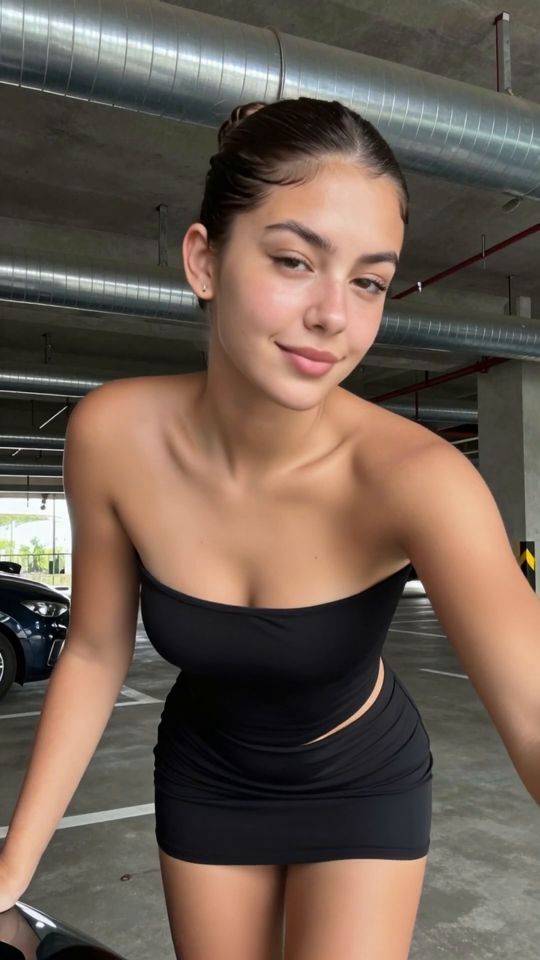
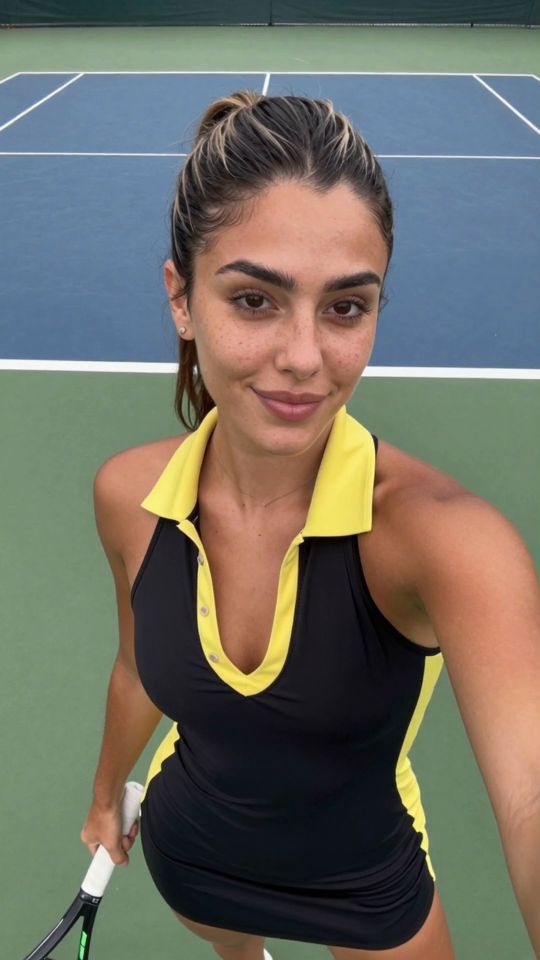
This photo-to-video template animates two still photos — one for each person in the scene — into a blow job video from his point of view. Works with upper body photos. Clear subjects, good light and sharp images will always give the most convincing motion.
Best photo in one line: two front-facing portraits, one of each person, with both faces large in the frame.
The template carries a tuned motion preset built for this exact movement. You supply the two photos — one for each person in the scene; the preset drives the body motion, camera behavior and pacing, so no prompt writing is needed.
Works with upper body photos of both people. Sharp, well-lit photos with one clear subject each always outperform dark or crowded shots.
720p costs 351 credits for 5 seconds or 561 credits for 8 seconds, always shown on the button before you confirm. Failed jobs are refunded automatically.
Analyzing your photo…
Your result will appear right here — keep this open.
0:00
Your image is deleted after generation.
Browse filesFailed jobs are refunded automatically. Results land in My Collection.